

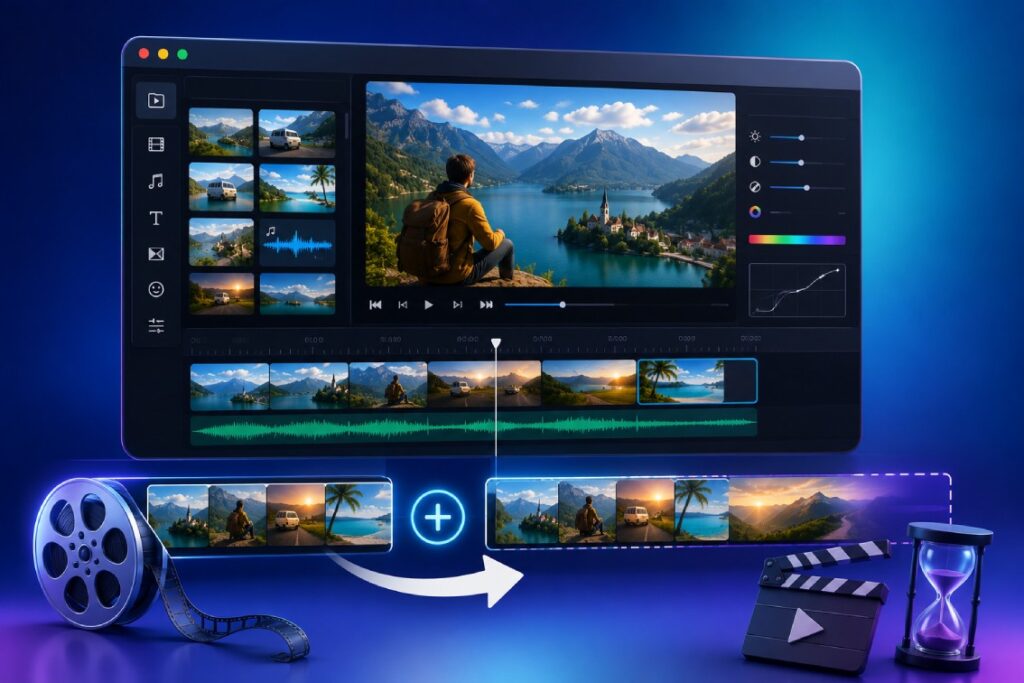
Sometimes a video is simply too short: the clip ends before the music does, a platform expects a minimum length, or a three-second moment needs room to breathe as an intro or outro. There are clumsy ways to make a video longer (looping it badly, freezing on an awkward frame) and there are clean ways that look intentional. Trimzio gives you the clean ones in your browser, free. Here they are, from simplest to most creative.
Method 1: add blank background clips
Trimzio can create blank clips: solid color segments with any duration you choose, placed anywhere on the timeline. They are the most versatile length tool because they read as design, not padding.
- Open your video in the editor.
- Add a blank background clip before your footage. Give it two to four seconds.
- Put a text overlay on it: your title, a date, a question. A dark background with one line of light text is an instant title card.
- Repeat at the end with a closing card: a thank you, a call to action, your handle. Fade in and out for polish.
An intro card plus an outro card adds six to ten intentional seconds and makes even a short clip feel produced.
Method 2: extend with photos
Still images become timeline clips with any duration you set, so a few relevant photos can carry real content, not filler. A travel clip becomes a piece when three photos lead into it; a product video gains a beat when a detail shot holds for four seconds. Apply the Ken Burns effect so stills move instead of sitting frozen; the technique is covered in Ken Burns effect: bring photos to life.
Method 3: reuse your own footage deliberately
Repetition reads as intentional when it is transformed. Options that work:
- A cold open. Split out the best two seconds of your clip and place a copy at the very front as a teaser, then let the video play in full.
- A recap ending. Close with a short replay of the key moment after your outro text card.
- Breathing room. Split the clip at natural chapter points and insert one-second background clips with a section title between them. The video gets longer and easier to follow.
Method 4: let audio set the length
If the goal is matching a music track, work backward: place the track on the audio lane first, then extend the visuals (cards, photos, footage) until the picture fills the music, ending both together with a fade. Adding and trimming a track is covered in how to add music to a video. If instead you have many short clips to reach length with, simply merge them into one sequence.
Meeting platform minimums without looking padded
Length requirements are the usual reason this search happens at all: a monetization program wants longer watch time, a platform feature unlocks at a minimum duration, or a client brief specifies “at least one minute” for a fifteen-second clip. The methods above stack neatly for this. A three-second title card, a two-photo intro with Ken Burns motion, the clip itself with a cold open, a section card, a recap, and an outro card can honestly triple a short clip’s runtime while making it better, not worse.
The test for every added second is simple: would a viewer who does not know about the length requirement think this belongs here? Title cards, context photos, and recaps pass that test. Slow fades stretched to five seconds and repeated footage with no framing do not, and platforms measure the difference through retention: padding that makes viewers leave early costs more than the extra length gains.
What to avoid
- Obvious loops. Viewers notice the same three seconds repeating and feel their time being wasted.
- Dead frames. A long freeze on a random frame reads as an encoding error, not a choice.
- Padding for its own sake. Platform minimums aside, longer is not better. Add length only where it adds meaning: a title, context, a closing beat.
FAQ
Can I combine several of these methods?
Yes, and you usually should. The methods share one timeline, so a title card, a photo intro, the clip, and an outro assemble in a single project and export as one file. Stack the ones that fit the video’s purpose.
Can I slow my video down to make it longer?
Trimzio does not do speed ramping; the honest tools above (cards, photos, structure) generally look better than slow motion applied for length anyway.
How long can a blank background clip be?
Any duration you need, from a one-second beat to a full backdrop for letterboxing another clip over it.
Will added segments export as one seamless file?
Yes. Cards, photos, and footage on the timeline export together as a single MP4 or WebM, with no watermark.
Give your short clip the runtime it deserves: open Trimzio and build it out free, right in your browser.