

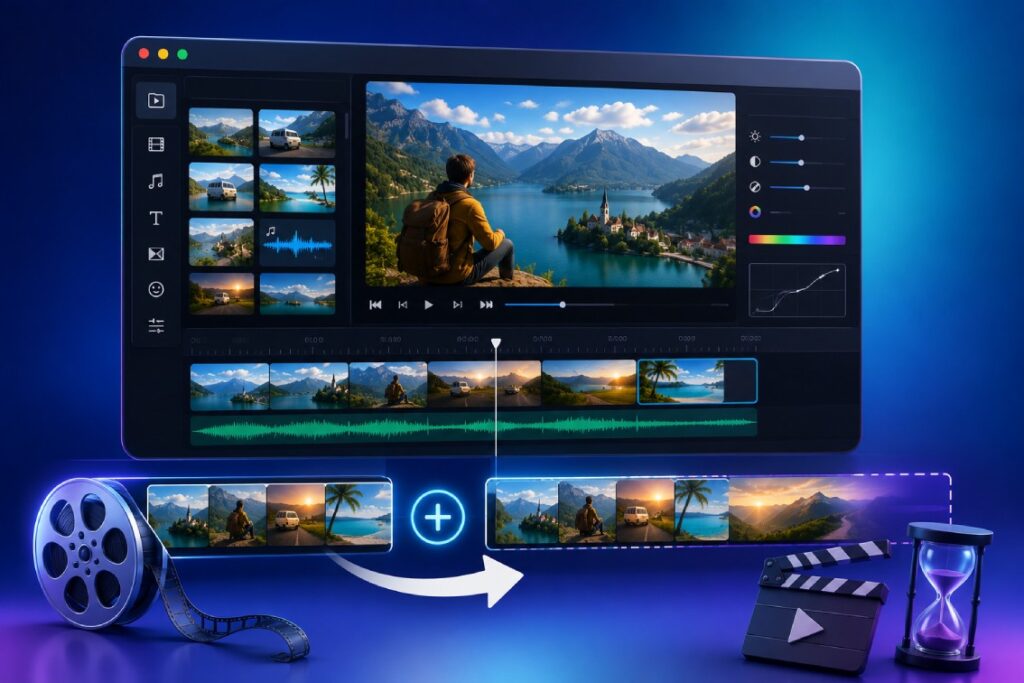
Named after the documentary filmmaker who made it famous, the Ken Burns effect is the slow pan and zoom across a still photograph that makes an unmoving image feel alive. It is the difference between a slideshow that feels like a PowerPoint and one that feels like a film. Trimzio applies the effect in your browser, free, so you can turn a folder of photos into a moving video without touching desktop software.
Why the effect works
Video is motion; a static image parked on screen for five seconds reads as a pause. A gentle push into a face, or a drift across a landscape, gives the eye a journey and gives the image a duration that feels intentional. Documentaries use it because most of history exists only in photographs; you can use it for the same reason at family scale: old photos, travel shots, product stills, before-and-after images.
It earns its keep in short-form content too. A single product photo with a slow push-in makes a perfectly serviceable five-second segment in a Reel, and quote cards or announcement graphics gain a pulse from gentle motion. Any time you are tempted to show a static image in a video, the effect is the one-click upgrade.
Steps: apply the Ken Burns effect
- Open the Trimzio editor and add your photos. Each image becomes a clip on the timeline with a duration you control.
- Set each photo’s duration. Four to six seconds per image is a comfortable default; important images can hold longer.
- Apply the Ken Burns effect to a clip. The image gains a slow pan and zoom motion across its duration instead of sitting static.
- Preview the movement. The motion should be slow enough that viewers feel it rather than notice it. If it draws attention to itself, it is too fast for the image’s duration; a longer clip means gentler motion.
- Repeat across your photos, then play the sequence. Vary which images get motion; a static image between moving ones can be a deliberate beat.
- Finish and export. Add fades between photos, a music track underneath, and titles where needed, then export to MP4.
Choosing photos that survive motion
- Resolution matters most. Zooming crops into the image, so a low-resolution photo turns soft. Use originals, not thumbnails saved from chat apps.
- Give the motion a destination. Photos with a clear subject (a face, a doorway, a signature detail) reward a push-in. Wide scenic shots reward a lateral drift.
- Mind the edges. Panning reveals the photo’s borders; scans with torn edges or white margins may need a crop first.
Pacing the motion to your soundtrack
Music transforms the Ken Burns effect from a screensaver into a film, and the relationship runs both ways. Slow, sustained music lets images hold longer with gentler motion; anything rhythmic invites shorter durations with photo changes landing near the beat. You do not need precision beat-mapping: placing your track on the audio lane first and then nudging each photo’s duration until changes feel musical gets you most of the effect.
Vary the rhythm deliberately. Six photos at exactly five seconds each becomes predictable; viewers start anticipating the change instead of looking at the pictures. Hold the emotionally important image for eight seconds, snap through three contextual shots at three seconds, then settle again. The variation itself communicates what matters.
And end on purpose: let the final image hold noticeably longer than the others while the music fades out. An ending that gives the viewer a moment to sit with the last picture is what makes a slideshow feel finished rather than stopped.
Building a full slideshow around it
The effect is the seasoning; the slideshow is the meal. Order photos to tell a story, keep the whole piece shorter than you think (forty photos at five seconds is over three minutes, which is long), and let one piece of music set the pace. Fades between images smooth the joins, and a title card on a blank background clip opens the piece cleanly. For the soundtrack side, see how to add music to a video, and if the final cut runs short for its music, how to make a video longer covers graceful padding.
FAQ
Can I mix photos and video clips in one project?
Yes. Photos and videos sit on the same timeline, so a slideshow can open with a video clip and flow into stills, all exporting as one file.
What photo formats work?
Standard web formats like JPEG and PNG. If your browser displays it, the editor can place it on the timeline.
Does this upload my family photos anywhere?
No. Trimzio is local-first: photos are read from your disk, composed in the browser, and the video exports back to disk. Nothing is uploaded.
Those photos deserve more than a folder. Open Trimzio, add the Ken Burns effect, and export a moving slideshow for free.